
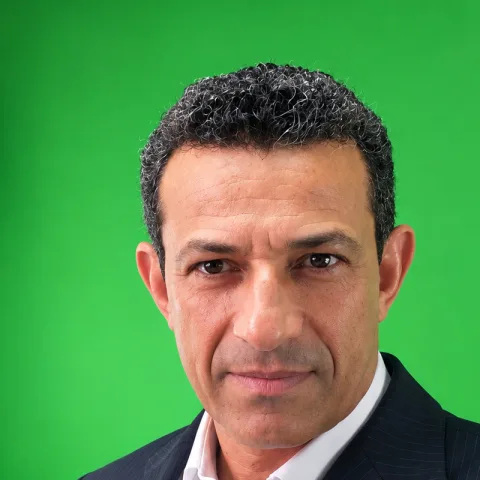
About Rede Raseck TV
Rede Raseck TV is a digital TV production studio in Brazil. Its shows are shot in 4K against a green screen, placed on virtual sets with sponsor graphics, and edited in Final Cut Pro. The recordings are long, unscripted talks in Portuguese, so every episode starts with the same job: removing pauses, false starts and repeated sentences before the creative edit can begin.
Removing pauses by hand: about 14 hours per episode
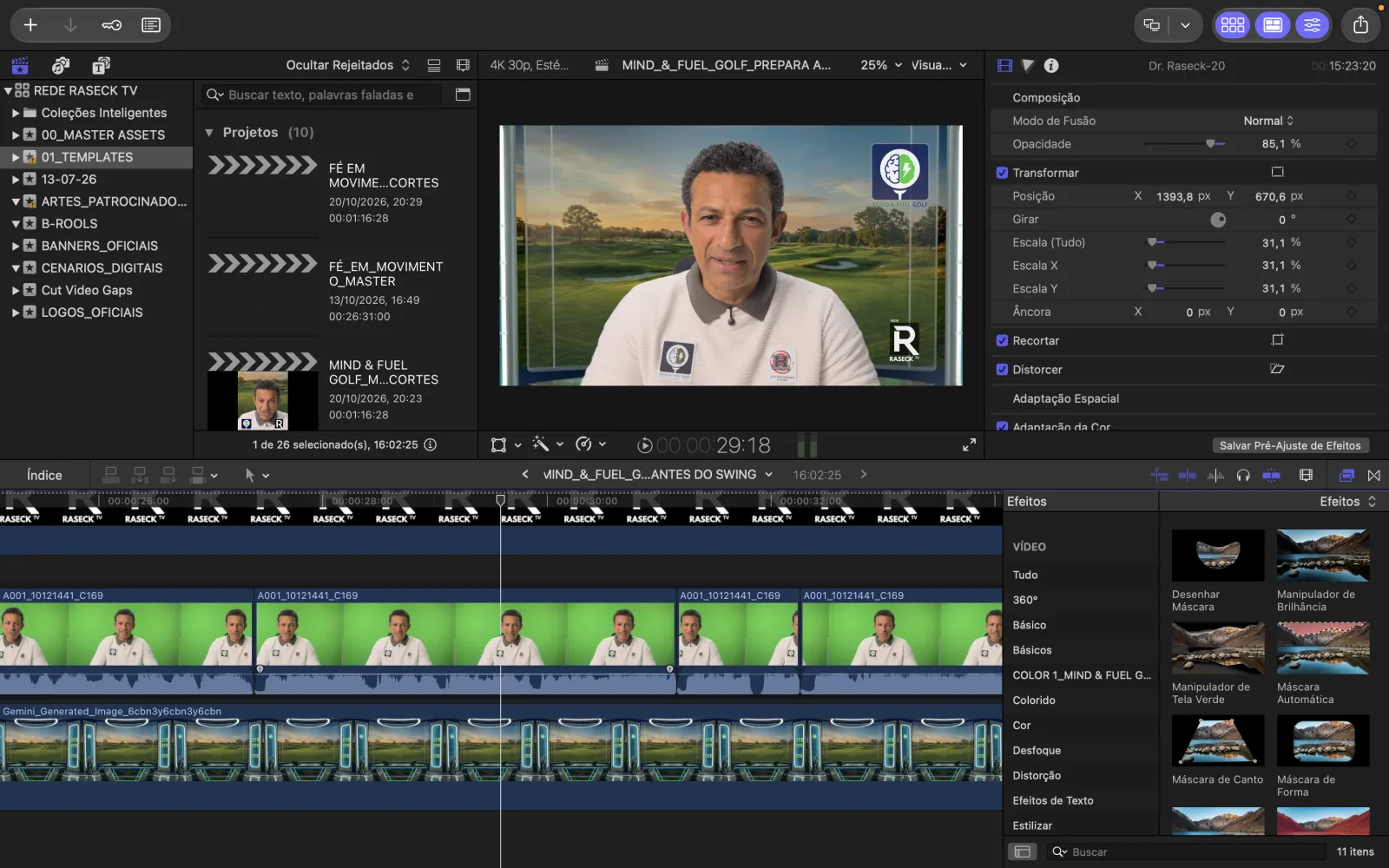
On 20 October 2026 the team edited a 35-minute recording by hand in Final Cut Pro, listening through the footage and cutting every pause and retake themselves. Based on that workflow, they estimate an episode took about 14 hours of editing.
The first test: 3 stars and one word, “slow”
The first try, with Fast Cut on version 1.1.0, did not go well. Rede Raseck TV rated the app 3 out of 5, and the whole review was one word: “slow.” We asked what was slow, on which Mac and with which file. It was a 35-minute Apple ProRes 422 file on an M1 MacBook Pro, and most of the wait was the video export. Version 1.2.0, released on 8 November, made exports with many cuts much faster, so they tried again with the same footage.
Automatic silence and filler word removal with AI Auto-Cut
On 10 November the team ran AI Auto-Cut on version 1.2.0 with the same recording. From the app's result screen and log:
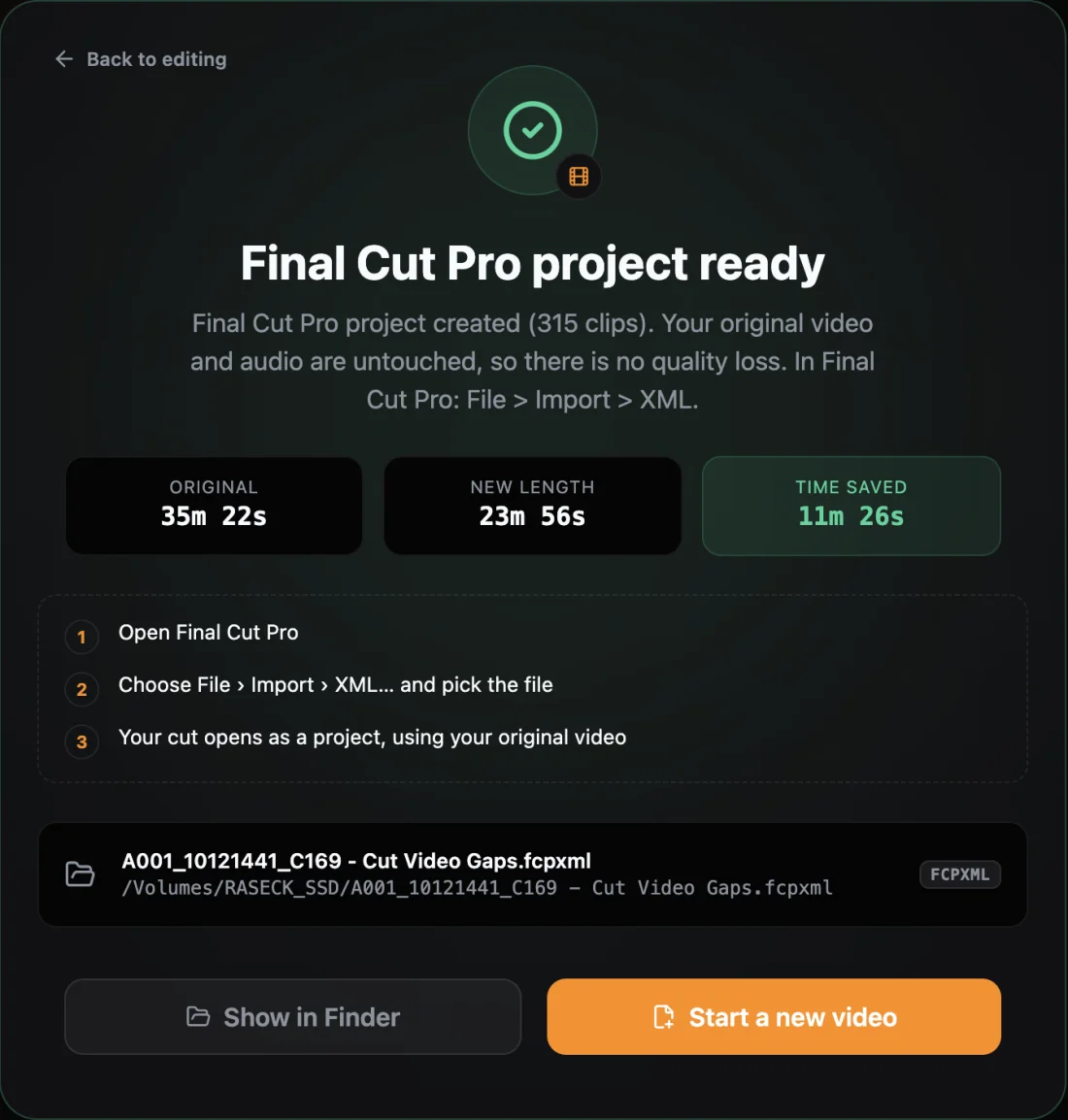
- The 35:22 video was cut to 23:56, with 11:26 of silence, filler words and retakes removed.
- 2,969 Portuguese words were transcribed on the Mac. The app marked 49 filler words, 11 repeated words and 53 possible retakes for review.
- AI Auto-Cut took about 5 minutes on the M1 MacBook Pro. The footage never left the studio's Mac.
From Cut Video Gaps to Final Cut Pro in under a minute
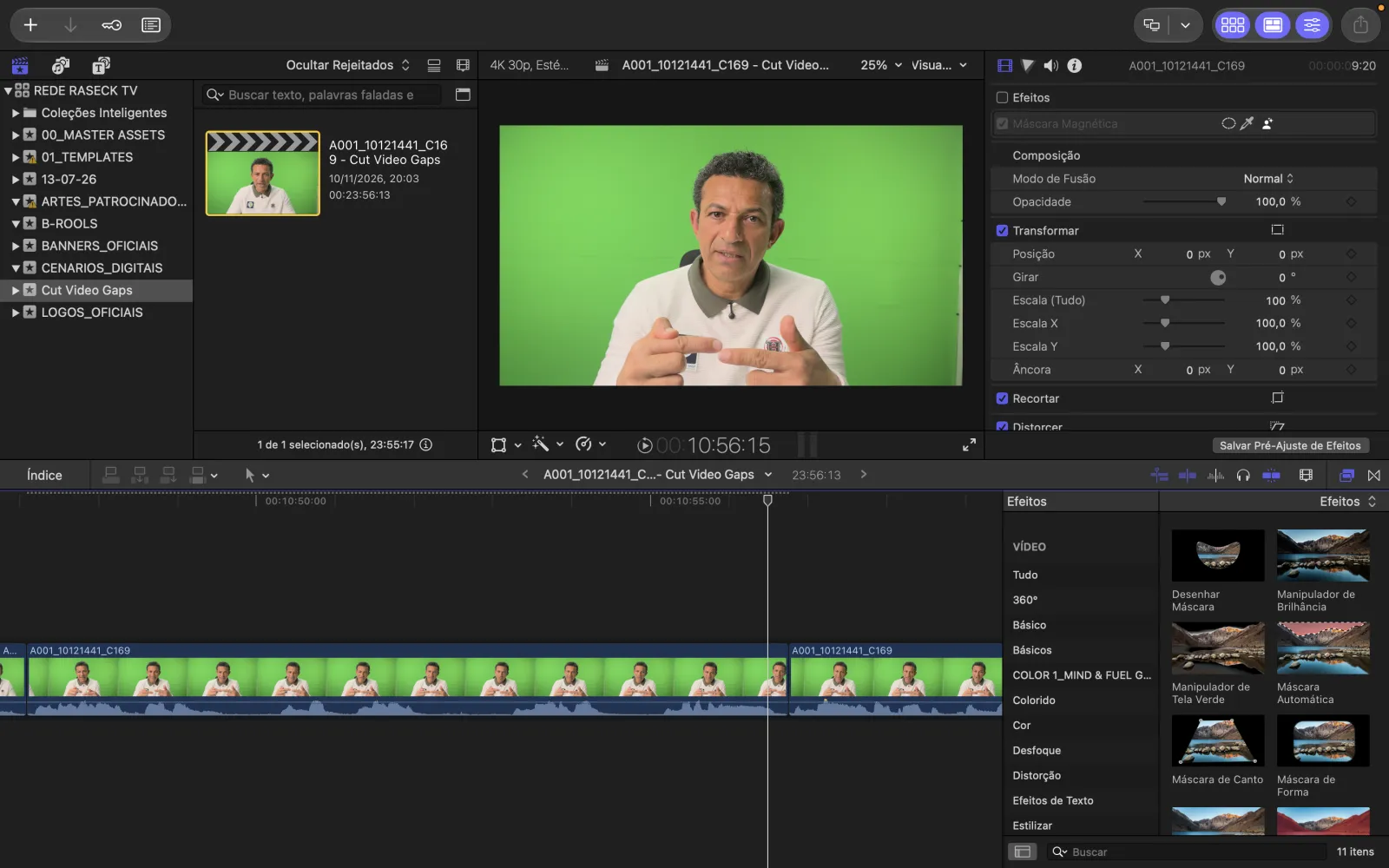
Instead of rendering a new video, the team exported a Final Cut Pro project. It took under a minute and opened as 315 clips that point at the original ProRes file, so there was no re-encode and no quality loss. Every cut stayed editable, and the creative edit started from a clean timeline. The Final Cut Pro silence removal guide shows the same workflow step by step.
Results: about 6 hours per episode instead of 14
With pauses, filler words and retakes removed before the creative edit, the team estimates an episode now takes about 6 hours instead of 14. This is their estimate from the workflow, not a timed comparison of two complete productions, and they are checking it on their next episodes.
- On your Mac. Footage and transcripts stay on the studio's Mac. Read why local processing matters.
- Cuts that respect speech. AI Auto-Cut works from word timings, so cuts land between words. Compare Fast Cut vs AI Auto-Cut.
- Fits your editor. Final Cut Pro, Premiere Pro and After Effects exports reference the original media.
From 3 stars to “Navalinha”
In about ten days the team went from a 3-star review to giving the app a nickname: Navalinha, Portuguese for “little razor,” because of how cleanly it cuts. This is how it happened.
- 20 OctoberEpisode edited by handThe team cuts a 35-minute recording in Final Cut Pro the usual way, about 14 hours per episode by their estimate.
- 4 NovemberFirst test: 3 stars, “slow”Fast Cut on version 1.1.0 with a 35-minute ProRes file. The export takes too long, and the rating is 3 out of 5.
- The next daysWe asked what was slowWhich mode, which file, which Mac. Their answers pointed at the video export on long ProRes footage.
- 8 NovemberVersion 1.2.0 shipsExports with many cuts get much faster. In our own test, a video with 355 cuts went from 7 minutes to 28 seconds.
- 10 NovemberSecond test with AI Auto-Cut35:22 cut to 23:56, sent to Final Cut Pro as 315 editable clips in under a minute.
- Mid-November“Navalinha”The team nicknames the app “little razor” and approves this case study.
Questions about this case study
Can Cut Video Gaps remove silence from Apple ProRes footage?
Yes. Rede Raseck TV used a 35-minute Apple ProRes 422 recording. AI Auto-Cut found the pauses, filler words and retakes, and the Final Cut Pro export pointed back at the original ProRes file, so nothing was re-encoded.
Do the cuts stay editable in Final Cut Pro?
Yes. The export opened in Final Cut Pro as a project with 315 clips. Each cut is a normal edit point, so the team could extend or remove any cut before the creative edit.
Does AI Auto-Cut work on Portuguese recordings?
This recording was in Portuguese. The app transcribed 2,969 words on the Mac and marked 49 filler words, 11 repeated words and 53 possible retakes for review. Officially tested languages are listed on the languages page.
Is the 14 hours to about 6 hours figure measured?
No, it is the team's own estimate from their workflow, not a timed comparison of two complete productions. They are checking it on their next episodes.
Published with Rede Raseck TV's written approval. Rede Raseck TV uses the free public beta and received 5 bonus processing hours after sharing feedback. Results depend on the recording, the speaker and the Mac.